
Welcome to your Internet service with Natural Wireless!
Your apartment was pre-installed with Wi-Fi and is pre-wired for a private network
In addition to installing Wi-Fi access points throughout the building for Wi-Fi, we have also enabled an Ethernet port in your apartment. This port allows you to connect devices to our network with a wired connection.
When/Why do I need a private network?
A private wireless network is a network that only you can connect to. It will have a customized name and is protected by a password unique to you.
A private wireless network is needed when your devices need to share information. Examples include:
- Wireless printing
- Chromecast from smart devices to a TV
- Control smart devices from mobile phone/iPad – such as controlling lights and locks
Additionally, the installation of a private wireless network can help Improve Wi-Fi coverage, if required.
How does it work?
An Ethernet port in the living room was pre-wired to our system and is ready for your private network:
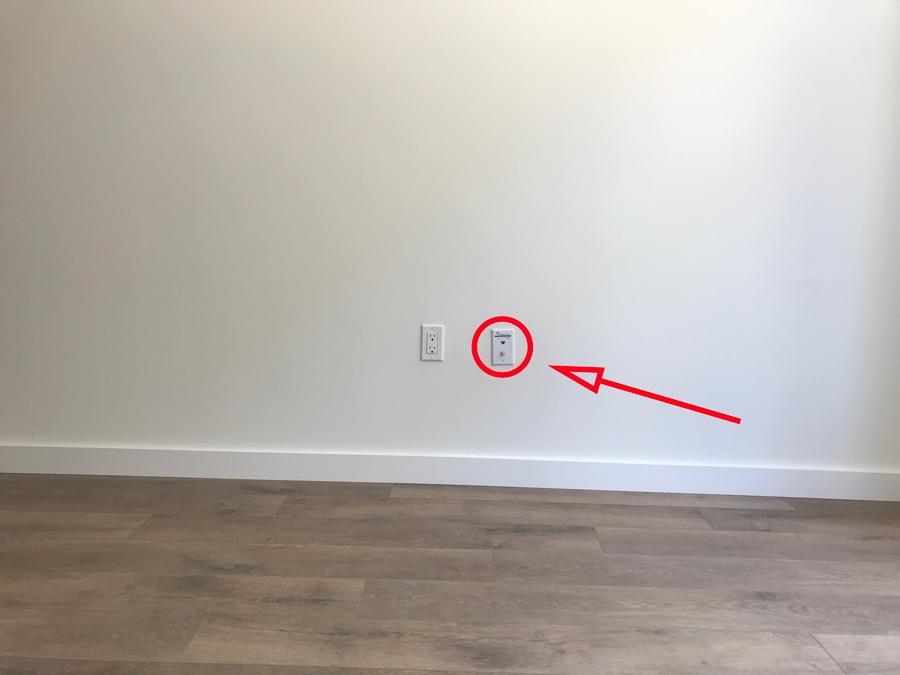
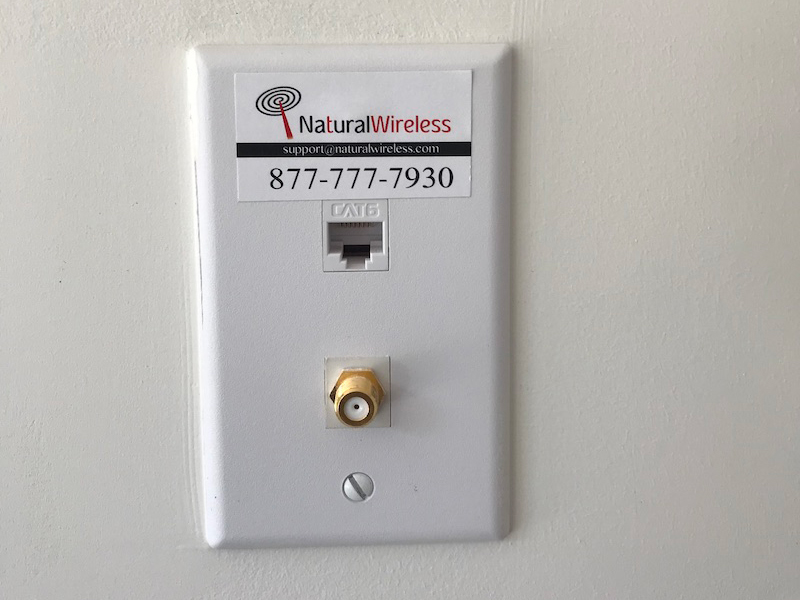
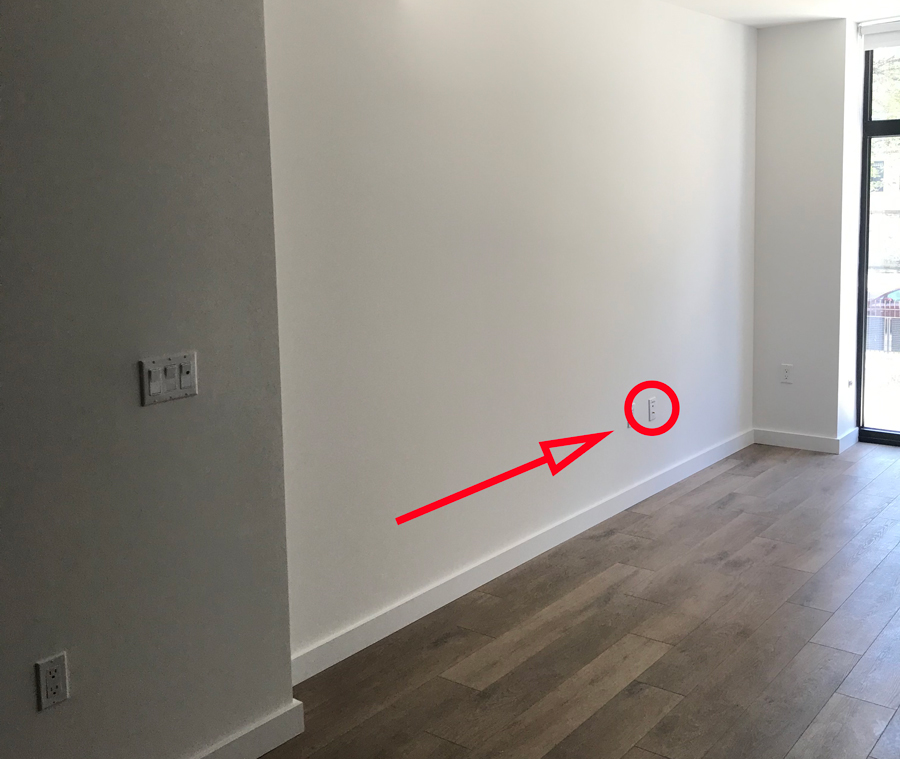
The private network can be easily setup in one of the following options:
- Option 1 – Use your own router.This is a router that you own, and you are responsible for properly programming and managing this router.
- Purchase a wireless router
- Be sure that the WAN port is configured to accept an IP address via DHCP
- Use an Ethernet cable to connect the WAN port of the router to the pre-installed Natural Wireless Ethernet port in your apartment (it has been labeled)
- Connect a computer to a LAN port of your router
- From this computer, open a Web browser and go to http://joinNW.com – IMPORTANT: Make sure not to use https for you will not be properly redirected to our Welcome Page.
- Our Welcome Page should be in your Web Browser
- If you already have a Natural Wireless Account —
- Select the option “Authorize This Computer”
- Use your activation code to activate the router (you will receive your activation code when signing up for the Natural Wireless service)
- If you do not have a Natural Wireless Account, please follow the directions to sign up for an account
- You are all set!
- Option 2– If desired, Natural Wireless can provide you with a wireless router at no monthly costs.We will pre-program and mail this router to you and Natural Wireless will manage this router.
- Create a Natural Wireless account using our Wi-Fi network
- Connect to the Wi-Fi network called “nw”
- Open a Web browser and enter http://joinnw.com in the URL window
- You will be directed to our sign-up page
- Complete the forms as directed to establish an account.
- Once your account has been created, Contact Natural Wireless to request a preconfigured router for your private network
- Email – support@naturalwireless.com
- Phone – 877-777-7930
- Let us know what your preferred SSID name (Wi-Fi Network) and password (WPA2 code) for your private wireless network
- A preconfigured wireless router with Ethernet cable will be mailed to you
- Connect the preconfigured wireless router (WAN port) to the Ethernet jack in your living room
- You are all set!
- Create a Natural Wireless account using our Wi-Fi network
Is there a monthly fee for the Natural Wireless router?
No. Natural Wireless does not charge a monthly rental fee for the wireless router it provides.
There is only a fully refundable deposit that is credited back as soon as the router is returned to Natural Wireless. For the Standard plan – the refundable deposit is $95. For the Premium and Deluxe plans – a higher performance router is required, and the refundable deposit is $150.
Any Questions?
Contact us at support@naturalwireless.com or 877-777-7930.